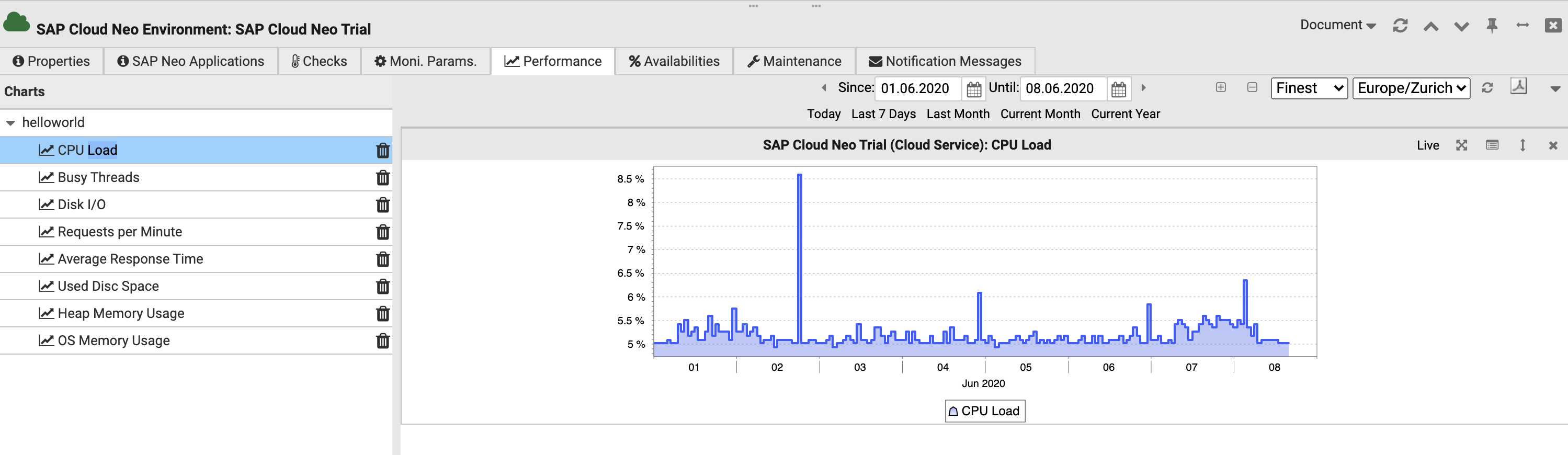
SAP Business Technology Platform Neo
Prerequisites
To enable Avantra to monitor applications in the SAP Business Technology Platform Neo, some settings must be made in Neo.
Create OAuth Api Client
To enable Avantra to connect to Neo, an API Client is required. This must be created for each sub-account in the SAP Business Technology Platform Cockpit.
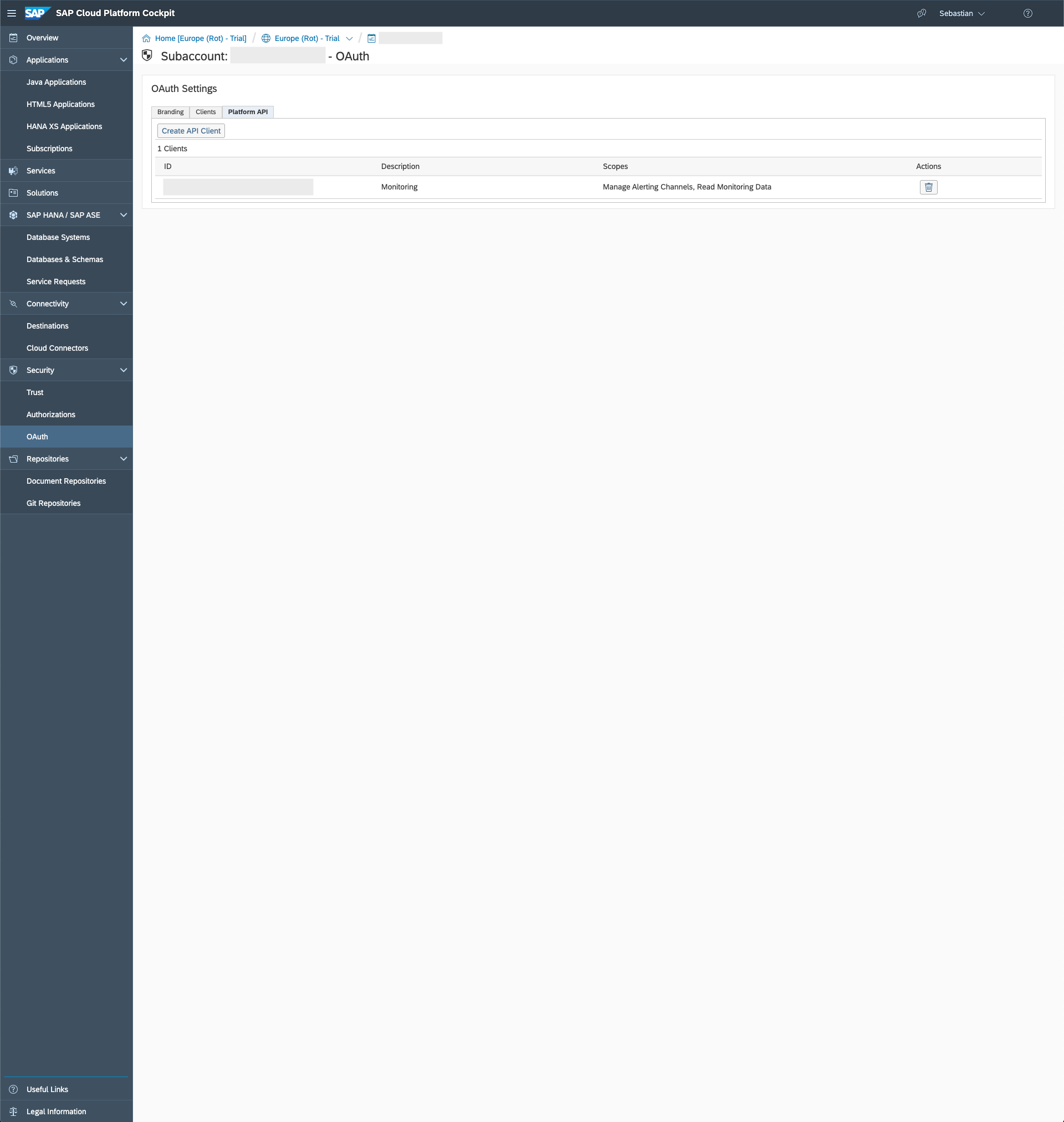
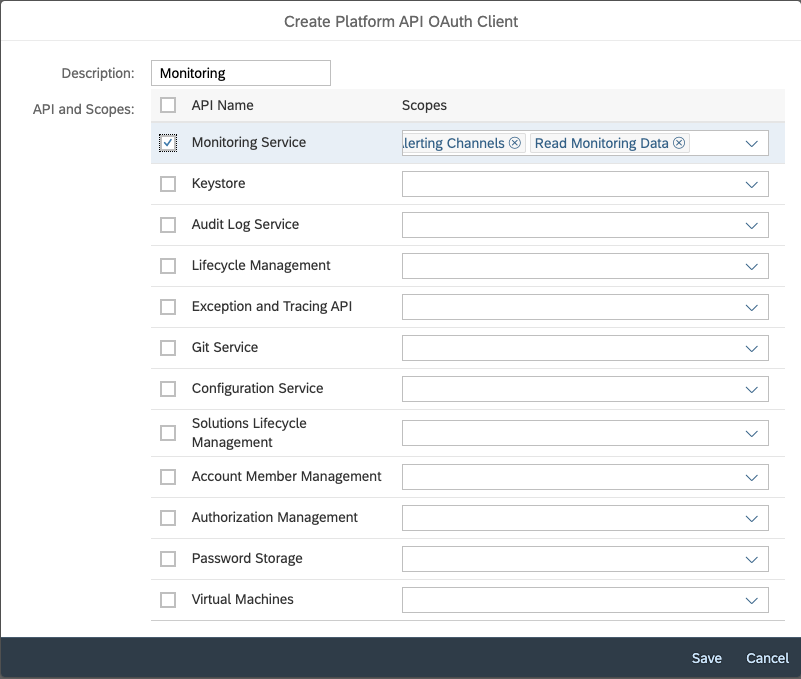
It is important that the scope is set to Read Monitoring Data. The easiest way to do this is to select the Monitoring Service Api.
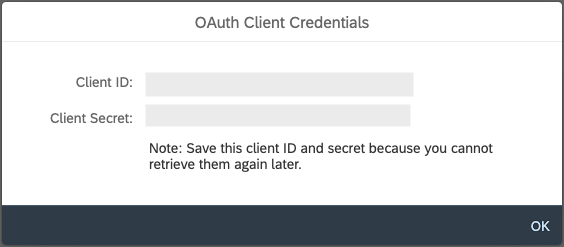
As soon as the client is created, you get the Client ID and the Client Secret. These are later required for configuration in Avantra.
The Client ID and the Client Secret are only displayed to the user once. As soon as the window is closed, the user has no possibility to display these two important pieces of information again. So it is best to save both immediately.
The configuration in Neo is now complete.
Prepare Avantra
Create OAuth Credentials in Avantra
After we have configured the API Client in Neo and received the credentials, we must now configure these credentials in Avantra. For this purpose, we create new credentials under Integrations > Credentials.
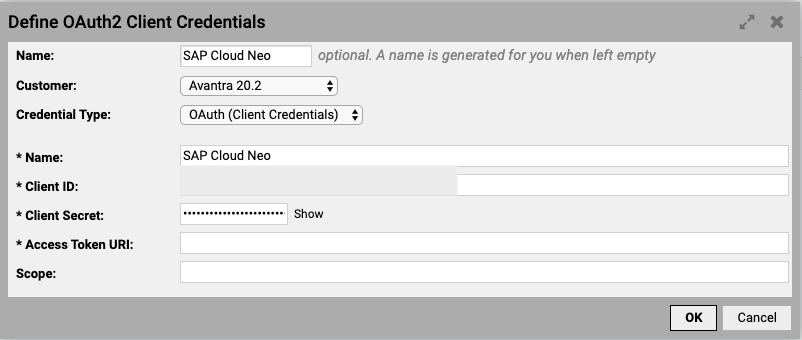
It is important that the Credential Type is set to OAuth (Client Credentials).
Create Cloud Service in Avantra
The next step is to create a cloud service for SAP Neo.
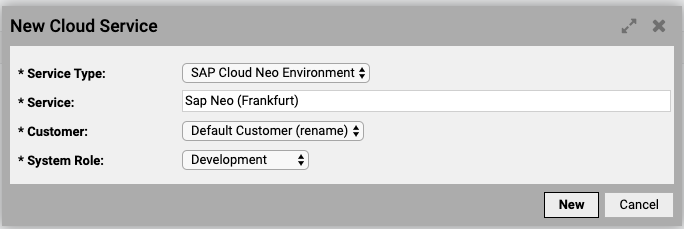
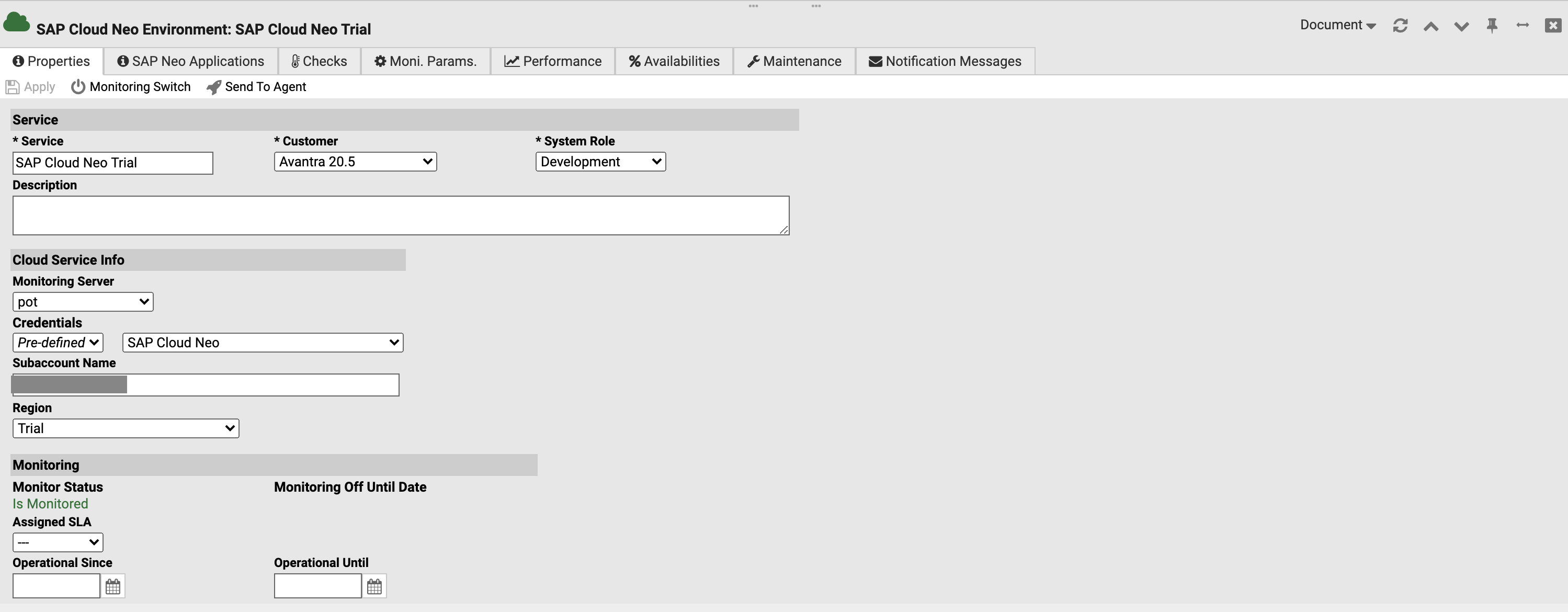
It is important to configure Subaccount and Region. Without these two pieces of information, Avantra cannot communicate with the SAP Business Technology Platform.
Next, the individual Java applications belonging to the subaccount can be configured under the SAP Neo Applications tab.

The application names can be found in the SAP Business Technology Platform Cockpit.
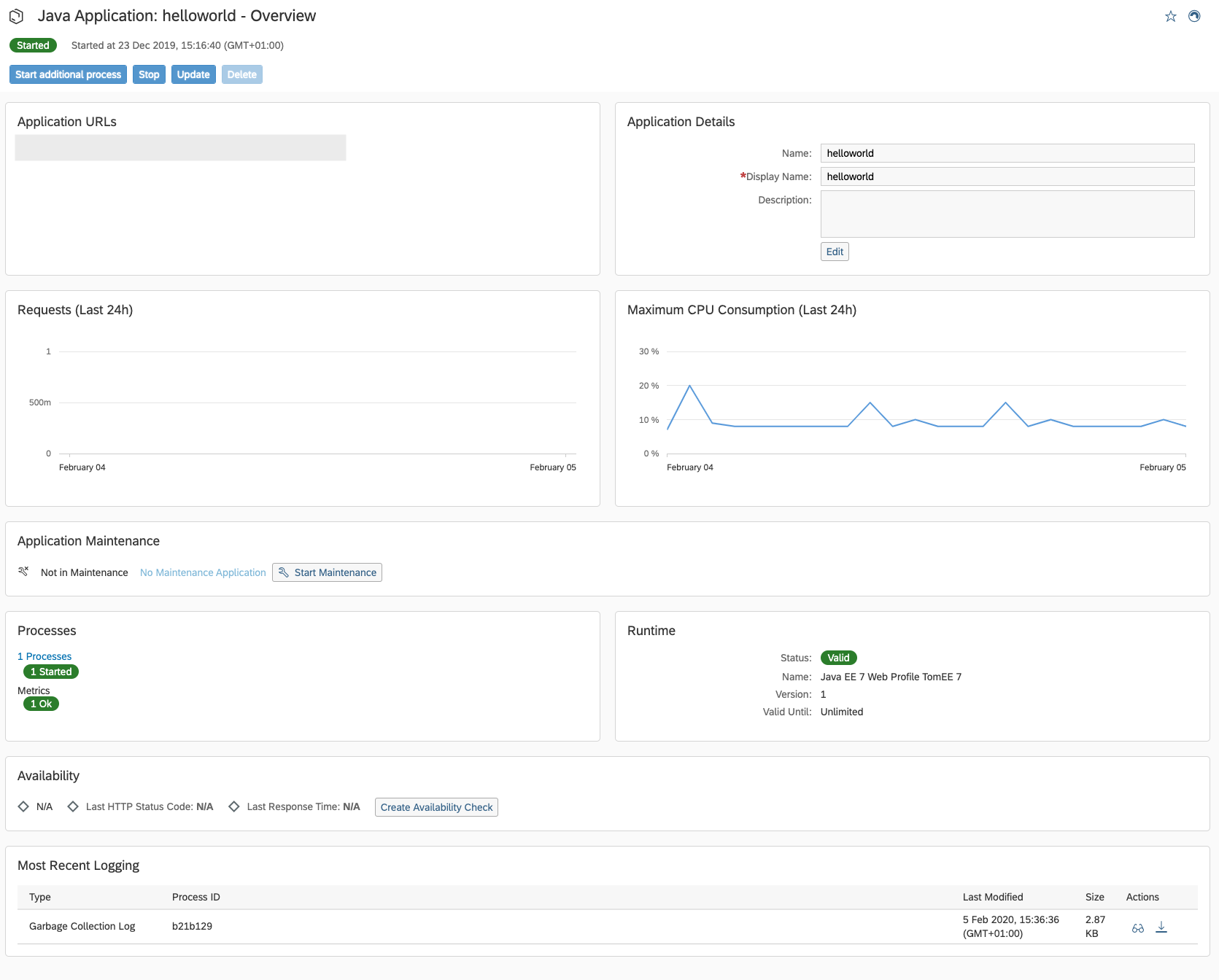
Once the configuration has been saved, Avantra takes care of the rest.
Each application gets its own status check.

Each application also gets its own metrics entry.